Why Are My Emails Going to Spam? Causes and What to Check
The receiving provider makes the spam decision. On your side you check where the message actually lands, whether your domain is authenticated, who is on your list, how easy it is to unsubscribe and how many recipients report your mail.
By Muhammed SevimliPublished Updated 5 min readRead in Turkish
Transcript
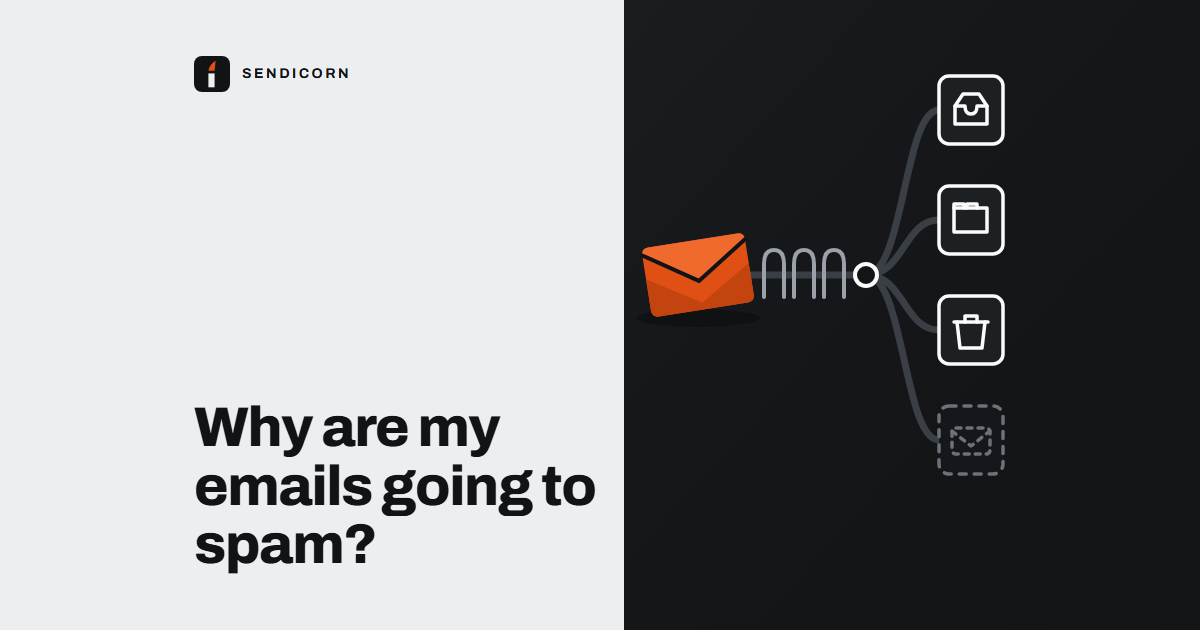
Why are your emails going to spam? Five checks. First, send a test email and check where it lands. Second, SPF and DKIM prove you may send. Third, remove anyone who unsubscribed or hard bounced. Fourth, add an unsubscribe link so readers can leave. Fifth, Google asks for a spam rate under 0.3 percent. Change one thing at a time, then send another test. The full checklist is on sendicorn.com.
The receiving provider makes the spam decision, and these are the things you can check on the sending side: where the message actually lands, whether your domain is authenticated (SPF and DKIM are two DNS records that prove the mail came from you), who is on your list, how easy it is to unsubscribe, and how many recipients report your mail as spam. A symptom such as low opens is a signal to check. It does not prove one cause, so work through these checks and change one thing at a time.
Check where the email actually lands
Separate four outcomes first: the message reached the inbox, it sits in the spam folder, it went to another tab such as Promotions, or it did not arrive. The fix depends on which one you see. Send the same email to a few addresses you control at different providers and see where each copy ends up. If one mailbox has the problem, look at that mailbox's own filters first. If several providers show it, the cause may sit on your sending side.
Google's FAQ says a message that fails its requirements might be rejected or delivered to a spam folder, and it says a rejected message comes back with a rejection code and a reason. If you send to Gmail addresses, Google Postmaster Tools shows your domain's spam rate, delivery errors, authentication status and reputation. Open it before you change anything, so you have a number to compare against later.
Authentication and your sending domain
SPF, DKIM and DMARC are three checks that live in your DNS settings. SPF lists the servers allowed to send for your domain. DKIM adds a signature the receiving server can verify. DMARC tells receivers what to do with mail that fails those checks.
Google asks all senders to set up SPF or DKIM, to use valid forward and reverse DNS records (the reverse record is called a PTR record), to send over an encrypted connection (TLS) and to format messages according to RFC 5322, the standard that defines how an email message is laid out. It also asks senders not to impersonate Gmail From: headers, so send from a domain you own. If you send more than 5,000 messages per day to Gmail accounts, Google asks for SPF, DKIM and DMARC together, and the domain in the From: header should match the SPF domain or the DKIM domain. The DMARC policy can be set to none, so adding the record does not mean blocking anything on day one.
Open one message you sent to your own mailbox in its original form and check that SPF and DKIM show a pass.
Also check whether the IP address you send from is shared. Google lists sending from blocklisted or poorly reputed shared IP addresses among the reasons mail goes to spam, so ask your sending provider whether you share an IP address with other senders.
The people on your list
Google's FAQ says an increase in messages marked as spam increases the chances that future messages from the same sender are delivered to spam. Email to people who did not ask for it can produce those reports, so list quality shows up in your results.
Look at where each address came from. A purchased or rented list, a list nobody has emailed for a long time, and a signup form that accepts typos each raise the odds of reports and hard bounces (addresses that cannot receive mail). Asking new signups to confirm by email gives you a way to catch typos and addresses that belong to someone else. When you move over from another tool, bring the unsubscribes and the bounced addresses with you. Without them you email people who already left.
Unsubscribe
Google asks senders above 5,000 messages per day to support one-click unsubscribe on marketing and subscribed messages, and to include a clearly visible unsubscribe link in the message body. The one-click part is done with headers, which are hidden lines in the email that let mail apps show an unsubscribe button. Google's page names a List-Unsubscribe header with an HTTPS URL and a List-Unsubscribe-Post header with the value List-Unsubscribe=One-Click.
Google's FAQ says unwanted messages without one-click unsubscribe are more likely to be reported as spam by recipients, and it recommends fulfilling unsubscribe requests within 48 hours. A visible link also gives a reader a way out other than the spam button. Test the path yourself: click the link in a real message and confirm that you stop receiving mail.
The spam rate
Postmaster Tools reports the share of messages recipients mark as spam. Google asks senders to keep it below 0.3%, and the guidelines recommend staying below 0.10%. The rate is calculated daily, so you can watch it day by day.
When the number jumps, compare the send that caused it with the sends before it. Look at the list it went to, the age of that list, and what the email promised in its subject line. Slow down or pause that group of recipients while you fix the cause. Sending more to a list that is already reporting you can add to the problem.
How Sendicorn handles authentication, lists, unsubscribes and complaints
I built Sendicorn for the projects I run. You send from a domain you own: you add it, copy the DNS records shown, and it can send once they check out. New lists ask signups to confirm by email, and addresses that bounce for good or mark your email as spam are suppressed and not emailed again. Each project has its own sender, contacts and reputation, so a bad list pauses that project and leaves the others running. Over the last 7 days, once a project has sent at least 100 marketing emails in that time, it pauses when bounces pass 2% or complaints pass 0.08%, and you get an email saying what to clean up. Campaigns carry an unsubscribe link and one-click unsubscribe headers, and an unsubscribe takes effect at once. When you import a list, people who unsubscribed or bounced come in blocked and repeats stay out. The acceptable use page sets the list rules: no bought, rented, shared or scraped lists, and a confirmation first for a list you have not emailed for a year.
Next step
Take the last email that landed in spam and work through the checks above, starting with where it landed. The steps for authentication are in the SPF, DKIM and DMARC guide, and how bounces work is in the hard bounce vs soft bounce guide. If you want authentication, list confirmation, unsubscribes and complaint pauses handled in the tool you send with, look at Sendicorn.