How Much Does Email Marketing Cost? Per Contact vs Per Email
Your monthly cost follows two numbers: how many people you send to and how often you send. The pricing model decides which of the two sets the bill.
By Muhammed SevimliPublished 6 min readRead in Turkish
Transcript
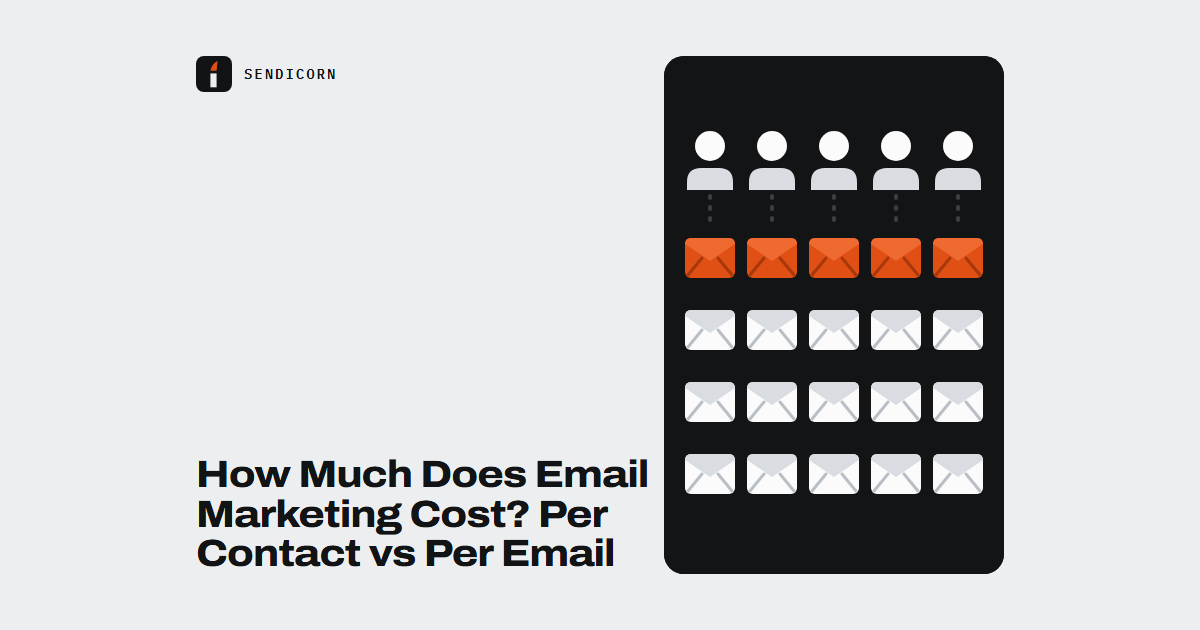
What does email marketing cost? Two numbers set the bill. Five thousand contacts and four sends make twenty thousand emails. Some tools price the contacts, others price the emails. Triple the list to fifteen thousand and both numbers grow. Double the sends and only the email count moves, to forty thousand. An allowance has a ceiling. Daily sends can pass it. Write down your contacts, your sends and your busiest month. Then compare plans on those numbers.
Your monthly email marketing cost follows two numbers: how many people you send to and how often you send. The pricing model decides which of the two sets the bill. Take a list of 5,000 people who get one email a week, and count four sends a month to keep the arithmetic simple. That is 20,000 emails a month. A per-contact tool prices that list by its 5,000 contacts. A per-email tool prices it by its 20,000 emails. Grow the list to 15,000 at the same weekly pace and the first bill follows 15,000 contacts while the second follows 60,000 emails. Double the sends instead, and the per-email bill follows the extra sends. Entry paid plans on the two vendor pages read below start at $12 to $13 a month, and their free plans stop at 250 contacts.
The three ways email tools charge
Per contact means you pick a tier by list size, and the tier comes with a monthly sending allowance that is often a multiple of the contact count. Mailchimp's pricing page shows Essentials sending up to 10X contacts and Standard 12X (Mailchimp pricing). MailerLite's page gives its Comfort plan "10× the limit of your subscriber tier each month" (MailerLite pricing). As the list grows you move up a tier, and sending more changes the bill once you pass the allowance.
Per email means you pick a tier by the emails sent in a month. The list size is not the unit, so a new subscriber changes the bill through the emails you send to that person.
Extras sit on top of either model. Some tools sell a pack of extra emails, and some bill overage when you pass the allowance. Mailchimp's page says "Overages apply if contact or email send limit is exceeded" (Mailchimp pricing). When you compare two tools, ask which unit each one counts and what it charges beyond that unit.
Work out your own number
Multiply your contacts by your sends per month. The result is your emails per month, which is the number a per-email tool prices. Your contact count is the number a per-contact tool prices. The table below uses a hypothetical list, so replace the figures with yours.
| Scenario | Contacts | Sends a month | Emails a month | A per-contact bill follows | A per-email bill follows |
|---|---|---|---|---|---|
| Starting point | 5,000 | 4 | 20,000 | 5,000 contacts | 20,000 emails |
| List triples | 15,000 | 4 | 60,000 | 15,000 contacts | 60,000 emails |
| Sends double | 5,000 | 8 | 40,000 | 5,000 contacts | 40,000 emails |
Tripling the list moves both numbers. Doubling the sends moves the email count and leaves the contact count where it was. That difference is the reason to run both rows before you choose a model.
A per-contact allowance still has a ceiling. With 5,000 contacts and a 10X allowance, you have room for 50,000 emails a month, so 40,000 fits. A daily send to the same 5,000 contacts comes to about 150,000 emails over 30 days, which is above that allowance. Look at the schedule you plan to keep for the next three months, and use that one.
Terms that change the bill
The headline price describes a normal month. Four terms decide what a busy month costs.
What happens at the limit. A tool can pause your campaign, bill overage, or move you to the next plan. Each of these changes what a busy month costs you, so find the sentence on the pricing or terms page before your first large send.
How contacts are counted. Ask whether a person who sits on two lists counts once or twice, and whether unsubscribed people stay in the count.
Yearly billing. Check how the yearly discount is stated, whether as a percentage or as a number of free months. Then divide the yearly price by twelve and compare it with the monthly price.
Trials and free plans. Mailchimp's page lists a free plan with a limit of 250 contacts and a 14-day trial on Essentials and Standard. MailerLite's lists a free plan with 250 subscribers and 2,500 emails a month. Both free plans cap the list far below the 5,000 contacts in the example.
Two vendor pages, read on 28 November 2026
The prices below are the smallest paid tiers. Prices change, so use each page's own selector for your count.
| Tool | Entry paid plans | Free plan | Sending allowance on paid plans |
|---|---|---|---|
| Mailchimp | Essentials from $13 a month, Standard from $20 | 250 contacts, 500 emails a month or 250 a day | Essentials 10X contacts, Standard 12X |
| MailerLite | Comfort from $12 a month, Power from $25 | 250 subscribers, 2,500 emails a month | Comfort 10X subscriber tier, Power unlimited emails up to 200,000 subscribers under a fair use policy |
Both tools price by list size, and both state a sending allowance next to each plan. For the example list of 5,000 people with weekly sends, the allowance on these plans covers the 20,000 emails, so the list size drives the bill. A list that gets daily sends is the case where the allowance matters.
Which model fits which list
A large list that gets a few emails a year has many contacts and few sends, so the contact count carries the bill. A small list that gets frequent emails is the reverse, and the send count carries it. A per-contact tool prices the first number, and a per-email tool prices the second. Compare the two numbers for your own list to see which is larger.
Before you pick, write down five points for each tool you are considering:
- The unit that raises the price: contacts or emails.
- Whether contacts have a cap on the plan you would pick.
- What the tool does when you pass the monthly allowance.
- Whether the plan renews automatically, and how much notice you get before a price change.
- The refund terms for a plan you cancel early.
How Sendicorn prices it
I built Sendicorn for the projects I run, and it charges by the emails that go out. Contacts are unlimited, and the pricing section says one email to one address counts once across all projects. Plans run from 20,000 emails a month at $9 to 1,000,000 at $199, with 60,000 at $19, 160,000 at $39 and 400,000 at $89. Yearly billing is "2 months free". The 20,000 plan covers up to 5,000 subscribers and one email a week. A five-send month needs 25,000 emails for that list, and a pack adds 10,000 for $7, paid once, with emails that carry over from month to month.
When a month's emails run out, a running campaign waits for a pack, a bigger plan or the next month, and app emails sent through the API stop until then. Signup confirmations keep going out for up to 500 more emails or 10% of your plan, whichever is more. There is no free plan. Setting up is free, and your account can send once you choose a plan and pay. A partial month or year is not refunded, and a pack is a one-time purchase that is not refunded either.
Next step
Write down your contact count, your sends per month and the busiest month of your calendar, then run the three rows of the table with those numbers. If app emails share the account, transactional vs marketing email explains how to tell the two apart. To see a per-email price next to a per-contact price for the same list, open the Sendicorn comparison pages.